
Why CSEA Compliance Matters
Child sexual abuse material (CSEA) is illegal content depicting minors in sexual situations. Dating platforms are a vector for:
- Child Exploitation: Predators use dating platforms to find and groom minors
- CSEA Distribution: Users sharing illegal material on the platform
- Live Streaming Exploitation: Minors coerced into producing content
- Sextortion: Predators blackmailing minors for sexual content
As a platform operator, you have legal and moral obligations to:
- Prevent minors from using adult dating platforms
- Detect and remove CSEA content
- Report illegal activity to authorities
- Design safety into your platform
- Train staff on spotting and reporting abuse
Non-compliance can result in:
- Criminal charges (up to 10 years imprisonment)
- Civil liability
- Platform shutdown
- Massive reputational damage
- Loss of payment processing
- Class action lawsuits from victim families
CSEA compliance is non-negotiable.
Legal Requirements
18 USC 2254 (CDA Section 230 Safe Harbor)
Section 230 protects platforms from liability for user-generated content, BUT with important carve-outs:
Exception: Section 230 does NOT protect you from liability for CSEA.
This means:
- You can be sued for CSEA on your platform
- You must actively prevent, detect, and report CSEA
- Failure to report is not protected by Section 230
18 USC 1030 (Computer Fraud and Abuse Act)
If you knowingly allow CSEA material to be distributed on your platform, you violate the CFAA.
Penalties: Up to 10 years imprisonment and $250,000 fines.
18 USC 2252 (CSEA Possession and Distribution)
If you are aware of CSEA on your platform and don't report it, you may be liable as a distributor.
Penalties: Up to 10 years imprisonment per image.
42 USC 13031 (NCMEC Reporting Requirement)
All online service providers must report CSEA to the National Center for Missing & Exploited Children (NCMEC).
Requirement: "Any provider of an electronic communication service or remote computing service who obtains knowledge that a minor has been harmed, abused, exploited, or solicited to engage in, any activity described in [child exploitation statutes], shall report such knowledge to the NCMEC."
This is mandatory. You cannot choose not to report.
NCMEC Reporting
What is NCMEC?
The National Center for Missing & Exploited Children is a government-authorized organization that coordinates with law enforcement on child exploitation.
NCMEC operates the CyberTipline, which:
- Receives reports of child exploitation from online service providers
- Analyzes reports and identifies patterns
- Refers urgent cases to law enforcement
- Coordinates with international partners
- Maintains a database of known CSEA hashes
What to Report
Report to NCMEC if you become aware of:
- CSEA Content: Anything depicting minors in sexual situations
- Child Grooming: Adults soliciting minors for sex or sexual images
- Live Streaming Exploitation: Minors being coerced into sexual acts on camera
- Sextortion: Minors being blackmailed for sexual content
- Child Trafficking: Evidence of minors being trafficked for sexual purposes
- Non-consensual Sexual Content: Non-consensual images of minors
You do NOT need to have absolute proof. If you have reason to believe something is child exploitation, report it.
How to Report to NCMEC
- Go to CyberTipline.org
- Create an account as a service provider
- Submit reports with all relevant details:
- User account information
- Content details (images, messages)
- Timeline of activity
- Account creation date
- Payment information
- IP addresses (if available)
- NCMEC will acknowledge receipt and may follow up
Documentation
When you report to NCMEC:
- Document what you found
- Preserve the evidence (screenshots, URLs, data)
- Note the date and time
- Include user account details
- Include the report submission to NCMEC
This documentation protects you legally and helps law enforcement.
Reporting Timeline
Some platforms wait to report (hoping to gather more evidence). Don't wait. Report immediately upon discovery.
Why:
- Delays allow predators to harm more children
- Evidence may be deleted
- Law enforcement can act faster with early reports
- Your delay may be evidence of negligence
Best Practice: Report within 24 hours of discovery.
PhotoDNA and Hash Matching
PhotoDNA is a technology developed by Microsoft and NCMEC that detects known CSEA content.
How PhotoDNA Works
- Hash Creation: PhotoDNA creates a "fingerprint" (hash) of each image
- Comparison: The hash is compared against a database of known CSEA hashes
- Detection: If a match is found, the image is flagged
- Matching: The same image uploaded elsewhere is detected
PhotoDNA is NOT facial recognition. It detects the specific image, even if it's cropped, rotated, or compressed.
Why PhotoDNA Matters
PhotoDNA can detect known CSEA images automatically. This allows you to:
- Prevent Distribution: Stop known CSEA from being uploaded
- Catch Predators: Identify users uploading CSEA
- Report Automatically: Flag content for immediate reporting to NCMEC
Without PhotoDNA, you're relying on user reports and manual review.
Implementing PhotoDNA
- Use NCMEC's PhotoDNA Service: NCMEC offers PhotoDNA integration for service providers
- Third-Party Services: Companies like Google (Google SafeSearch) and Microsoft offer PhotoDNA integration
- Cost: Variable (free to $50k+ depending on scale)
For dating platforms:
- Upload all user photos to PhotoDNA
- Flag and remove matches immediately
- Report users to NCMEC
- Terminate accounts
PhotoDNA Database
The PhotoDNA database includes:
- Known CSEA images from law enforcement
- Images reported by platforms
- International law enforcement databases
- Continuously updated
The database grows daily as new CSEA is discovered.
PhotoDNA Limitations
PhotoDNA is not perfect:
- New Images: Unknown CSEA (not in the database) will not be detected
- False Positives: Occasional false matches (very rare)
- Metadata Loss: After significant editing, matches may fail
You still need manual moderation and AI detection for new content.
Age Assurance and Verification
Preventing minors from accessing adult dating platforms is critical.
Age Verification Methods
Document Verification (Strongest)
- User uploads government ID (driver's license, passport)
- Automated or manual review confirms age
- Very hard to fake
- Privacy concerns (storing ID images)
Cost: $0.50-2 per verification (services like IDology, Mitek)
Phone Number Verification
- User enters phone number
- Verify against public databases (age at registration)
- Medium reliability (public databases not always accurate)
Cost: Free to $0.10 per verification
Email Verification
- User confirms email
- Check email provider age signals (Gmail age, etc.)
- Very weak reliability
Cost: Free
Credit Card Verification
- User provides credit card
- Credit cards indicate age (under 18 cannot get most cards)
- Medium reliability (joint accounts, parents' cards)
- Privacy and liability concerns
Cost: Payment processor fees
Third-Party Age Verification
- Third-party services verify age against databases
- Examples: IDology, Experian, Intellicheck
- Strong reliability
Cost: $1-3 per verification
Best Practices for Age Verification
- Require at Signup: Not optional
- Use Strong Method: Photo ID or third-party service
- Verify Again: Re-verify at account verification stages
- Flag Suspicion: If age seems inconsistent, require re-verification
- Refuse Refusal: Users who refuse age verification cannot access the platform
Privacy Considerations
Users dislike providing IDs. Balance security and user experience:
- Require ID only for premium features (free tier may have weaker verification)
- Use privacy-preserving methods (don't store full ID images)
- Clearly explain why (child safety)
- Use GDPR-compliant vendors
COPPA (Children's Online Privacy Protection Act)
If your platform is directed to children under 13, COPPA requires:
- Parental consent
- Minimal data collection
- No marketing
- Transparency
For dating platforms: Age 18+ is standard. You should not be accessible to under 13s.
Grooming Detection
Grooming is when predators build relationships with minors for sexual purposes. Detection requires technology and human judgment.
Grooming Indicators
Look for patterns in messaging:
- Age Discrepancy: Adult messaging minor
- Relationship Building: Unusual amount of messaging, compliments, "getting to know you"
- Isolation: Attempts to move to private messaging, off-platform
- Sexual Escalation: Gradual introduction of sexual topics
- Normalization: Making sexual topics seem normal or necessary
- Secrets: "Don't tell anyone about us"
- Gift Giving: Offering money, credits, or gifts
- Coercion: Pressure for sexual images or acts
- Manipulation: Emotional manipulation ("I only talk to you", "You're special")
AI Detection Tools
AI tools can flag suspicious messaging patterns:
- Unusual age gaps in conversations
- Sexual language in chats
- Predatory keywords ("send pics", "meet", etc.)
- Message volume and timing patterns
- Sentiment analysis (emotional manipulation)
Tools:
- Microsoft's Project ARTEMIS
- Thorn's Technology Task Force tools
- Custom AI trained on known grooming conversations
Cost: $10k-100k+ depending on scale
Manual Review
AI is not perfect. Humans should review flagged conversations:
- Conversation Analysts: Staff trained to spot grooming
- Clear Threshold: Set criteria for action (suspension, termination)
- Action Plan: What happens if grooming is detected
- Escalation: Immediately report to NCMEC if minor involved
Response to Suspected Grooming
If you detect grooming:
- Suspend Accounts: Suspend both the predator and (if applicable) the minor's account
- Preserve Evidence: Save all messages and account data
- Report to NCMEC: Submit a report immediately
- Report to Law Enforcement: Contact FBI IC3 or local law enforcement
- Notify Minor: If safe to do so, alert the minor and their account holder
- Document: Keep records of your investigation
Staff Training
Your staff must be trained on CSEA compliance and reporting.
!Child protection system showing multi-layered safety approach *Child protection system showing multi-layered safety approach*
Required Training
All staff with access to user data should know:
- CSEA Indicators: What to look for
- Grooming Patterns: Red flags
- Reporting Requirements: How to report to NCMEC
- Documentation: How to preserve evidence
- Privacy: User privacy while protecting children
- Bias and Sensitivity: Not stereotyping based on age, appearance, or behavior
Training Topics
- CSEA Basics: What it is, how prevalent, impact on victims
- Legal Requirements: Mandatory reporting, penalties for non-compliance
- Grooming Indicators: Conversation patterns, behavioral indicators
- Platform Tools: How to flag, suspend, remove users
- NCMEC Reporting: Step-by-step process
- Trauma Informed Response: How to handle victims, avoid re-traumatization
- Confidentiality: Not sharing information about reports
Training Frequency
- New staff: Before access to user data
- All staff: Annual refresher
- Special roles (trust and safety, moderation): Quarterly updates
External Training
Organizations that offer training:
- NCMEC (webinars and resources)
- Thorn (non-profit training)
- Internet Watch Foundation (IWF)
Platform Design for Safety
Default Settings
- Account private by default (not visible to all users)
- Messaging requires mutual follow
- Location sharing off by default
- Contact information not publicly visible
- Age prominently displayed (for age-based filtering)
Age-Based Features
- Users 18-21: Can only see profiles of other 18+ users
- Users 60+: Can filter to peers
- Search filters: Always include age range
Verification Badges
- Verified age badge (green checkmark)
- ID-verified badge
- Background check badge (if offered)
Users seeing verified badges know they're talking to a confirmed adult.
Messaging Limits
- New accounts: Messaging limited
- Unverified accounts: Messaging limited
- Verified accounts: Full messaging
- Age-gap conversations: May trigger additional verification
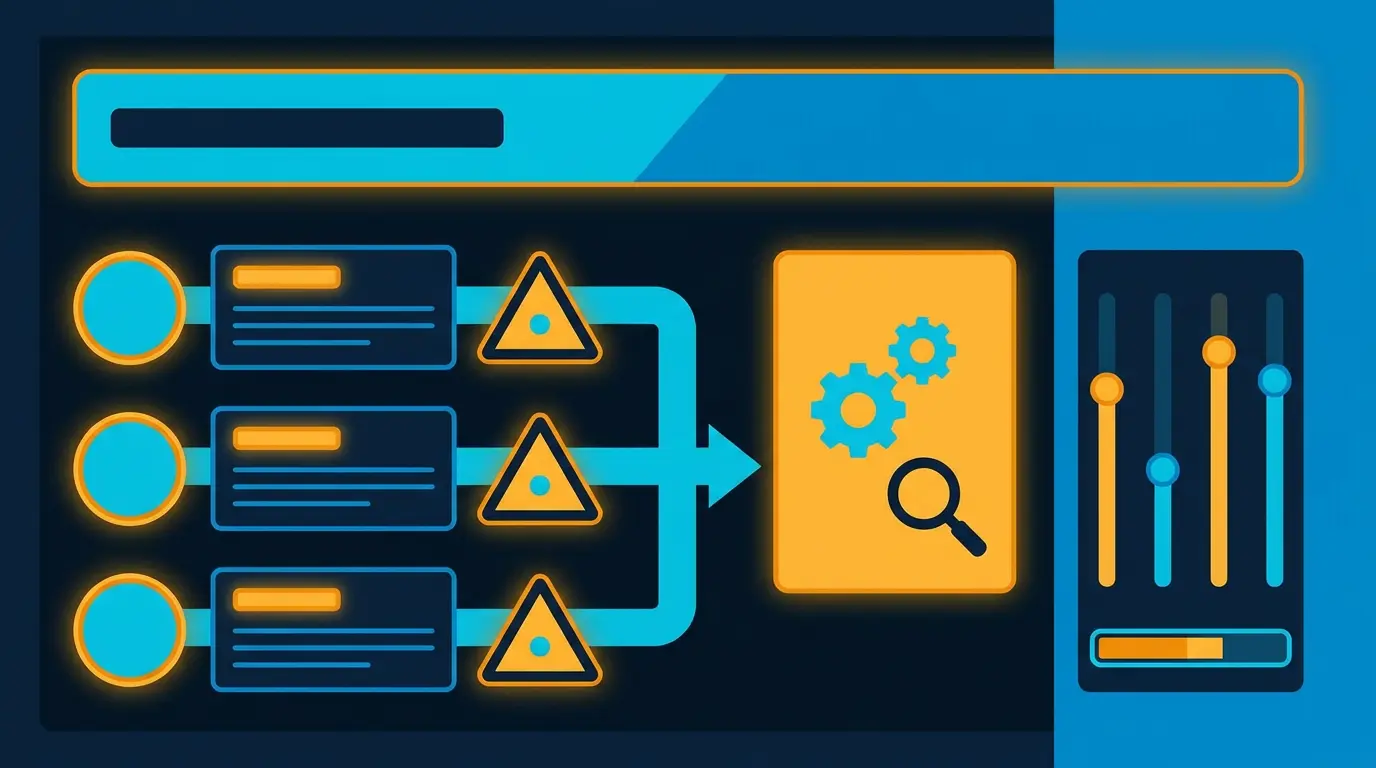
Blocking and Reporting
- One-click reporting of suspicious behavior
- Clear reporting categories (e.g., "Inappropriate contact with minor")
- Easy blocking
- Silent unmatching (user doesn't know they were blocked)
Age-Gating
- Clear "You must be 18+" warning
- Require age confirmation before creating account
- Re-verify age periodically (when user hasn't logged in 6 months, etc.)
Investigation and Response
Investigation Process
If you become aware of potential CSEA or grooming:
- Identify: Which user or content is involved
- Preserve: Save all evidence (screenshots, messages, account data)
- Verify: Confirm it's actually CSEA or grooming (not false positive)
- Escalate: Bring to trust and safety team
- Review: Assess severity and urgency
- Report: Submit to NCMEC immediately
- Action: Suspend or terminate user account
- Document: Record the investigation and findings
Suspension vs. Termination
- Temporary Suspension (24 hours-7 days): For first offenses, ambiguous cases, allowing user to appeal
- Permanent Termination: For clear CSEA, repeated violations, grooming attempts
All CSEA reports should result in permanent termination and NCMEC reporting.
Appeal Process
Users can appeal suspensions or terminations, but CSEA cases should not be reversed.
If NCMEC or law enforcement has reported the account, do not terminate their investigation by reversing account removal.
Communication with Law Enforcement
When reporting to law enforcement:
- Be clear about what you found
- Provide all relevant account and content information
- Ask for a case number
- Follow up after some time to understand what happened
- Maintain confidentiality of ongoing investigations
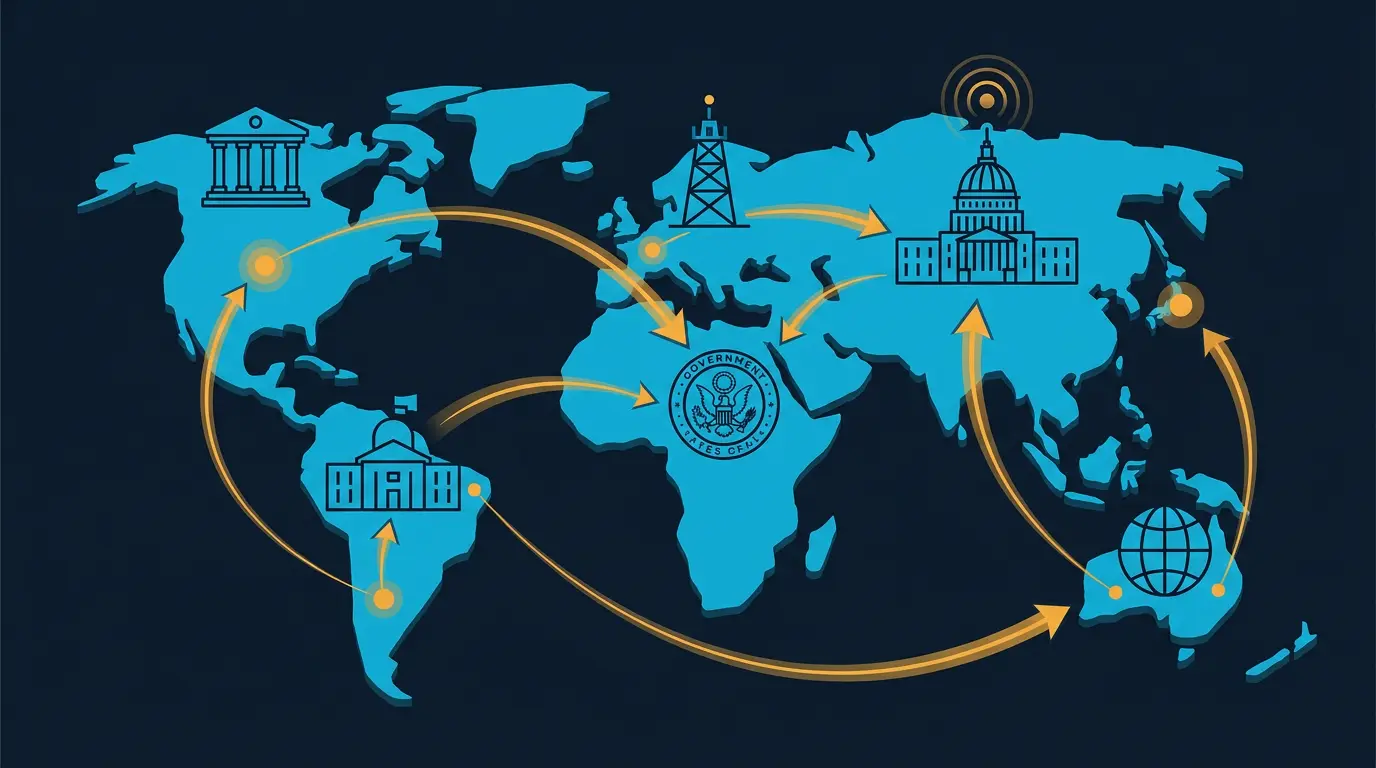
International Compliance
NCMEC International
NCMEC works with law enforcement in multiple countries. Reporting to NCMEC covers international cases.
UK (Internet Watch Foundation)
If you have UK users, you can also report to the Internet Watch Foundation (IWF).
EU (INTERPOL, EUROPOL)
EU-based platforms should be aware of:
- GDPR compliance while preserving evidence
- EU laws on CSEA (varies by country)
- Cooperation with INTERPOL and national police
Canada
Canadian platforms should report to the Canadian Centre for Child Protection (C3P).
Australia
Australian platforms should report to eSafety Commissioner.
Japan, South Korea, Other Countries
Have their own reporting mechanisms. Use NCMEC as the primary channel; they have international coordination.
Key Takeaways
- CSEA compliance is a legal requirement, not optional
- You must report suspected CSEA to NCMEC immediately (within 24 hours)
- Failure to report is a federal crime (up to 10 years imprisonment)
- Implement PhotoDNA or equivalent hash matching to detect known CSEA
- Use strong age verification (photo ID or third-party service)
- Train all staff on CSEA indicators and grooming patterns
- Design your platform for safety (age verification, messaging limits, reporting tools)
- Have clear policies on suspension and termination for CSEA-related violations
- Preserve evidence during investigations
- Respond immediately to law enforcement requests
- Be transparent with users about your safety measures
- Conduct regular audits of your CSEA compliance processes
- Partner with organizations like Thorn or NCMEC for expertise and tools
CSEA protection is everyone's responsibility. As a platform operator, you're on the front lines of protecting children from exploitation. Take it seriously.
Cross-link to: Age Verification for Dating Sites, Content Moderation for Dating, User Reporting Systems, Build Your Moderation Team
DatingPartners moderation reports to NCMEC and IWF where needed. Compliance baked in.
Visit DatingPartners.com →